Every device your athletes already train with
Your athletes train with the watch they like. Coachbox picks up what they record and sends your planned workouts back to the device. You connect it once and then stop thinking about it.
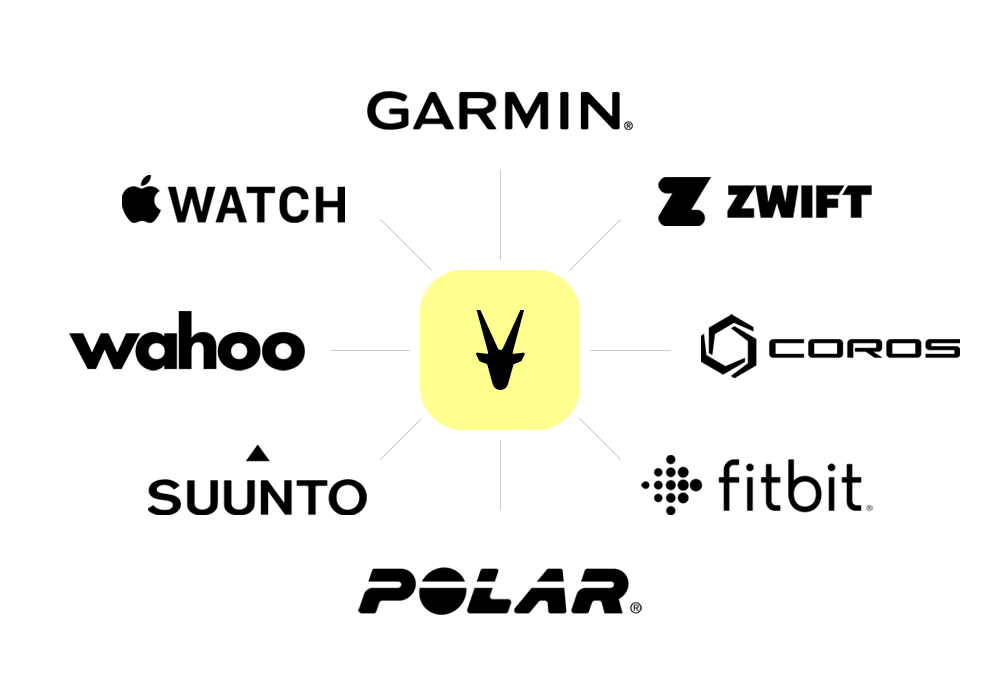
How synchronisation works
Data moves in two directions. Activities and health data come in, planned workouts go out. Which of the two a device supports depends on what the manufacturer opens up.
- 1
Your athlete connects once
In their settings your athlete links their account with the manufacturer. From that moment the connection stays alive and you see the data on your side.
- 2
Activities arrive on their own
A finished workout lands in the calendar as soon as the platform has it. Sleep, resting heart rate and HRV follow from the device your athlete wears all day.
- 3
Planned workouts go out
You plan a structured workout and it shows up on the watch, ready to start. Turn on automatic sending and you never touch the export button again.
Watches and bike computers
The devices your athletes train with. Connect once, then activities and health data come in without anyone lifting a finger.

Garmin
The fullest connection we have. Activities and health data come in, and your structured workouts go straight to the watch.

Polar
Workouts and daily numbers come in by themselves. Sending a planned workout to a Polar watch is not possible, and that is up to Polar.

Coros
Activities come in automatically and your structured workouts go out to the Coros app, ready on the watch.

Suunto
Completed activities and daily metrics sync across on their own. Planned workouts cannot be sent to a Suunto watch.

Wahoo
Your workout goes straight to the ELEMNT. No file to download, nothing to import.
Fitbit
Workouts and health data come in automatically. Useful for athletes who wear a Fitbit around the clock.

Apple Watch
Apple Watch workouts reach Coachbox through the iOS app and Apple Health. You pull each one in yourself with a tap.
Indoor training
Platforms you ride or run on inside. Your planned session ends up in the app, ready to start.
Coachbox Ride
Ride your planned workout on your smart trainer straight from Coachbox, in the app or in your browser. Free for athletes.

Tacx
Your planned power workout shows up in the Tacx Training app, ready in ERG mode. Runs through the Garmin connection.

Zwift
You export the session and drop it into Zwift yourself. It then waits under Custom workouts, with your intervals intact.

Rouvy
Your planned session is scheduled in Rouvy, and the finished ride syncs back to your calendar.
Sensors we read
Nothing to connect here. Pair the sensor with your watch and Coachbox reads the extra fields straight out of your activity file.

Stryd
Running power arrives straight out of your activity file. Nothing to connect, nothing to upload.

Tymewear
Breathing rate, minute ventilation and tidal volume, read straight out of your activity file.

CORE
Core body temperature and skin temperature, read straight out of your activity file. Built for heat training.
Power meters
Left/right balance and pedal smoothness come in alongside the watts, straight out of the activity file.
Running dynamics
Vertical oscillation, ground contact time, stride length and vertical ratio, read from the file your watch records.
Kayak and canoe
Stroke rate and distance per stroke from Connect IQ paddling apps, so a paddle session is analysed on its own terms.
Bring your history
Coming from another platform? Upload the export and years of training land in your calendar, without relinking a thing.


What the AI does with that data
Once activities, sleep and HRV come in, Coachbox AI gets to work on them. Four agents, each built for one job, all reading the same synced data you see in the calendar. Nothing to connect, they are part of your account.
Sparring partner in the chat
Ask how an athlete recovered after Sunday's long ride and the assistant pulls up the activity, that night's sleep and this morning's HRV before it answers. Ask it to move next week around a race and it stages the changes for your approval. After that the workouts travel to the watch like any other.
Data inWorkouts outWorkout builder
Type a session the way you would say it to an athlete, '20 min warm-up, 5 x 4 min at threshold, 3 min easy in between', and the builder turns it into a structured workout. Send it and it appears on Garmin, Coros or Wahoo, ready to start.
Workouts outFeedback on a finished workout
The moment an activity lands from the watch, ask for three feedback suggestions on it, each from a different angle. Adjust the one that fits and use it as your reaction.
Data inLactate test reader
Took a lactate test on paper? Photograph the protocol sheet and the reader turns the handwritten steps into a test in Coachbox, ready for the threshold analysis. No device needed, only your meter and a pen.



Prefer your own assistant? Connect it too.
Already using ChatGPT, Claude, or another AI assistant? Connect it to Coachbox and it reads your workouts, wellness, and planning directly. Ask questions about your data from the tool you already use every day. The connection is read-only, you approve it once, and you revoke it whenever you want.
Questions about integrations
Do I connect the devices, or does my athlete?
Your athlete does. The connection runs on their account with the manufacturer, so they authorise it themselves in their Coachbox settings. You see the data the moment it arrives.
Can I connect more than one device?
Yes. Plenty of athletes record with one watch and wear another all day. Activities come from the platform you recorded them with, and you pick separately which device delivers your daily metrics.
Does my history come across when I connect?
For Garmin and Wahoo you pick a start date while connecting and the history imports in the background. Garmin goes back about five years for workouts and two years for health data. Coming from Strava or TrainingPeaks, you upload their export instead.
Why can't every watch receive my planned workouts?
Because not every manufacturer offers it. Garmin, Coros and Wahoo have an endpoint that accepts a structured workout. Polar and Suunto do not, so there is nothing for us to build against. Your athlete can still follow the session in the Coachbox app.
What do the integrations cost?
Nothing. Every integration works on every plan, the free one included.
Does Coachbox AI see the data from my athletes' devices?
Yes, the same data you see. Once an activity or a night of sleep has synced, the assistant can read it, and nothing else: it runs with your own credentials and only sees the athletes you already have access to. The manufacturers receive nothing from the AI, planned workouts leave through the regular connection.
Connect your first device today
Start free and watch your athletes' data land in Coachbox within minutes.